n8n’s Nod puts a personal AI agent in its own browser
Edited and reviewed by AI Ping Editorial Team
3-line summary
- n8n released Nod, a personal AI agent for Mac and Windows, as a research preview.
- Nod works in its own browser or in connected apps and can hand control back to users.
- The app is free, with any external model charges billed by the provider.

Automation software company n8n released Nod, a personal AI app, as a research preview on November 10. Users describe a job in chat and the assistant works through connected apps or its own browser. It can fill in a form or prepare a reply, and it can pause at a step that needs the user’s decision.
Nod is a standalone Mac and Windows app that works without an existing n8n account. The app and its source code are free, and users choose the model that handles their work. n8n says charges from an external model provider follow that provider’s terms. Existing n8n users can also connect their own instance to give Nod access to workflows.
Nod works in its own browser
Nod opens a browser separate from the one a user normally uses. According to n8n’s documentation, the two browsers keep their tabs, cookies and saved passwords separate. Nod can read a page and interact with its form fields and options. A chat or scheduled job opens a separate browser as needed.
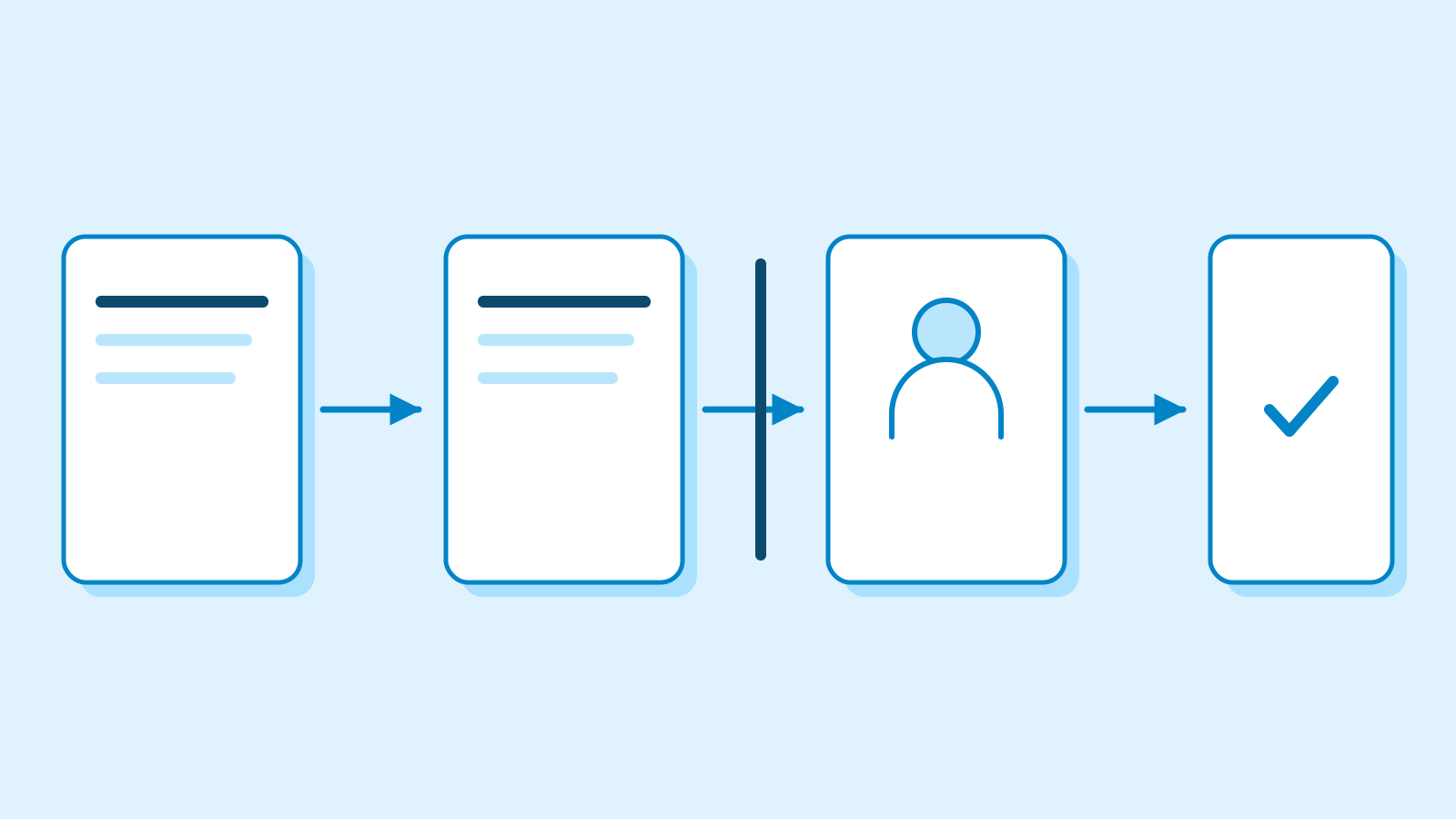
When a site requires the user to sign in directly, Nod can pause the task and show the page inside its chat. The user can interact with that page and return control, after which Nod checks the page and resumes the task. Handing the browser back is a separate action from sending a message prepared on that page. For a job started in Telegram or WhatsApp, the browser handoff takes place in Nod’s desktop or web interface.

Where Nod asks for approval
n8n says the connected model plans the job and a separate check determines whether an action falls within what the user requested. Finding a supplier’s email and preparing a reply, for instance, produces a draft. Sending the reply is a separate action whose authorization depends on the original request. The documentation says Nod asks before an unrequested send, submission or change. A payment using a saved card requires approval.
Nod presents those decisions in chat. An approved action runs once, and the activity log shows actions taken and attempts held for review. n8n says a model helps decide whether an action can proceed. The company describes Nod as a research preview whose decisions can be wrong.

The app runs locally, and the model is a separate choice
The desktop app supports macOS 14 and later on both Apple silicon and Intel. The Windows app is for Windows 11 x64. Running the assistant locally on Windows also requires Windows Subsystem for Linux 2. Users can connect a supported external service, an eligible ChatGPT plan or their own local model server. To do work in apps or websites, a local model needs to support tool calls.
In local mode, Nod stores chats and work files on the computer that runs it. With a self-hosted installation, those files are stored on its server. Tasks using outside models or apps send the information needed to those services. n8n says requests and results for managed app connections pass through a connection service. That means email content needed for a summary can reach an outside model even when Nod itself is open on a laptop.
Usage analytics and conversation traces have separate settings. Analytics start on for new users, while sending traces requires turning the option on. n8n says analytics exclude users’ messages and Nod’s replies. If a user shares conversation traces, Nod removes personal details it recognizes before sending them. The company says that process can miss names and other personal information.
Nod can schedule a task for a specific time or on a recurring basis. On a personal computer, those jobs run while Nod is running and the computer is awake. If Nod is stopped when a job comes due, the documentation says it runs once after the app starts again. A self-hosted server can run scheduled jobs after users close the app on their own computers, provided the server stays running.
Sources
- Meet Nod: personal agent research preview — n8n
- Nod release details and platform support — n8n Community
- What is Nod — Nod Docs
- Nod’s browser and handoff — Nod Docs
- Trust and Vault — Nod Docs
- Install the desktop app — Nod Docs
- Local models — Nod Docs
- Your data and privacy — Nod Docs
- Schedules and background work — Nod Docs