iOS 27.2 adds Korean Siri AI and recall of past conversations
3-line summary
- Five languages join Siri AI, which remains in beta.
- The assistant can consult earlier conversations and more personal context.
- Excluded Apps controls access for Siri, Search and suggestions.

Apple released iOS 27.2 on October 26, adding Korean to Siri AI alongside French, Japanese, Portuguese and Spanish. The operating-system update is a public release; the assistant remains in beta. People with supported hardware can use the newly supported languages for conversations and searches across their personal information.
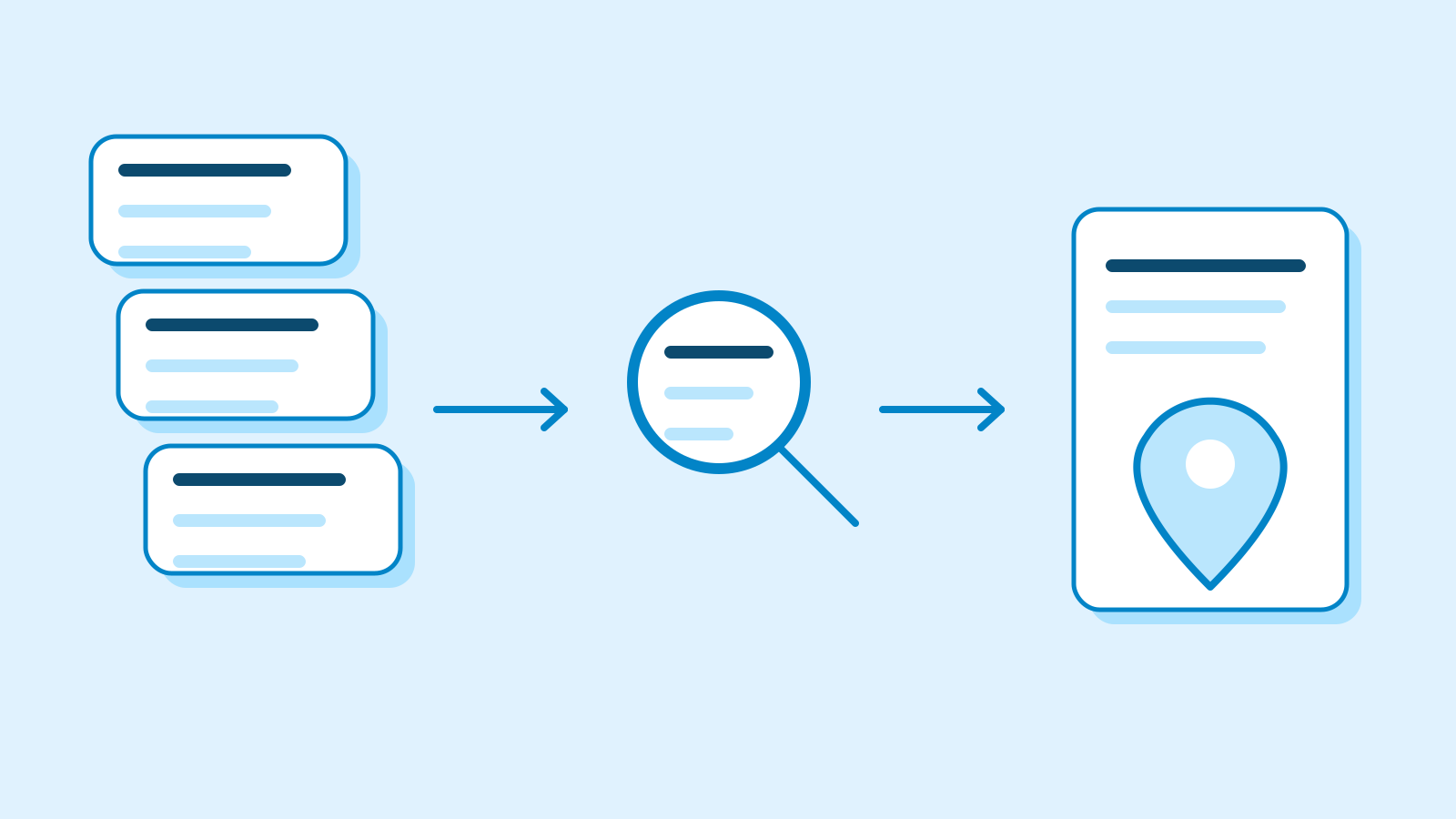
Siri AI can now refer back to earlier conversations. Apple gives the example of asking again about a restaurant suggested the previous week. Its personal context expands to photos attached in Messages, Calendar attendees and voicemail, with improved retrieval from Safari history and Reading List.
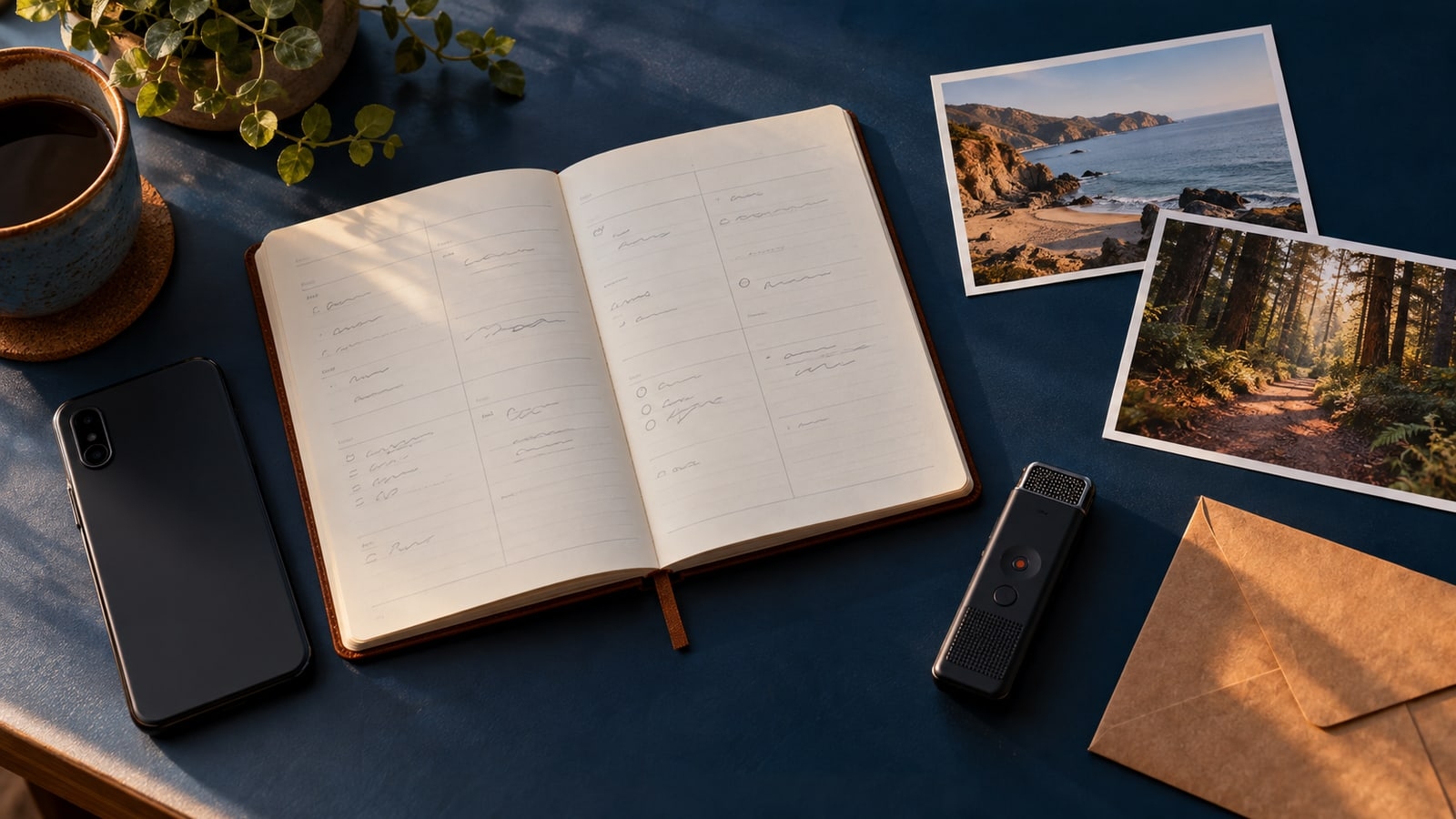
The Siri app also provides a place to organize conversations, including naming and pinning them. Apple’s user guide describes retention settings: choosing 30 days or one year permanently deletes older conversations. The dedicated app and iCloud conversation synchronization across devices were already described in earlier setup documentation.
An Excluded Apps list controls access across Siri, Search and suggestions together. Apple’s settings guide says all apps are included by default and users can change the exclusions. Apps placed on that list, and their data, become unavailable to those three features.

Device processing, cloud requests and access conditions
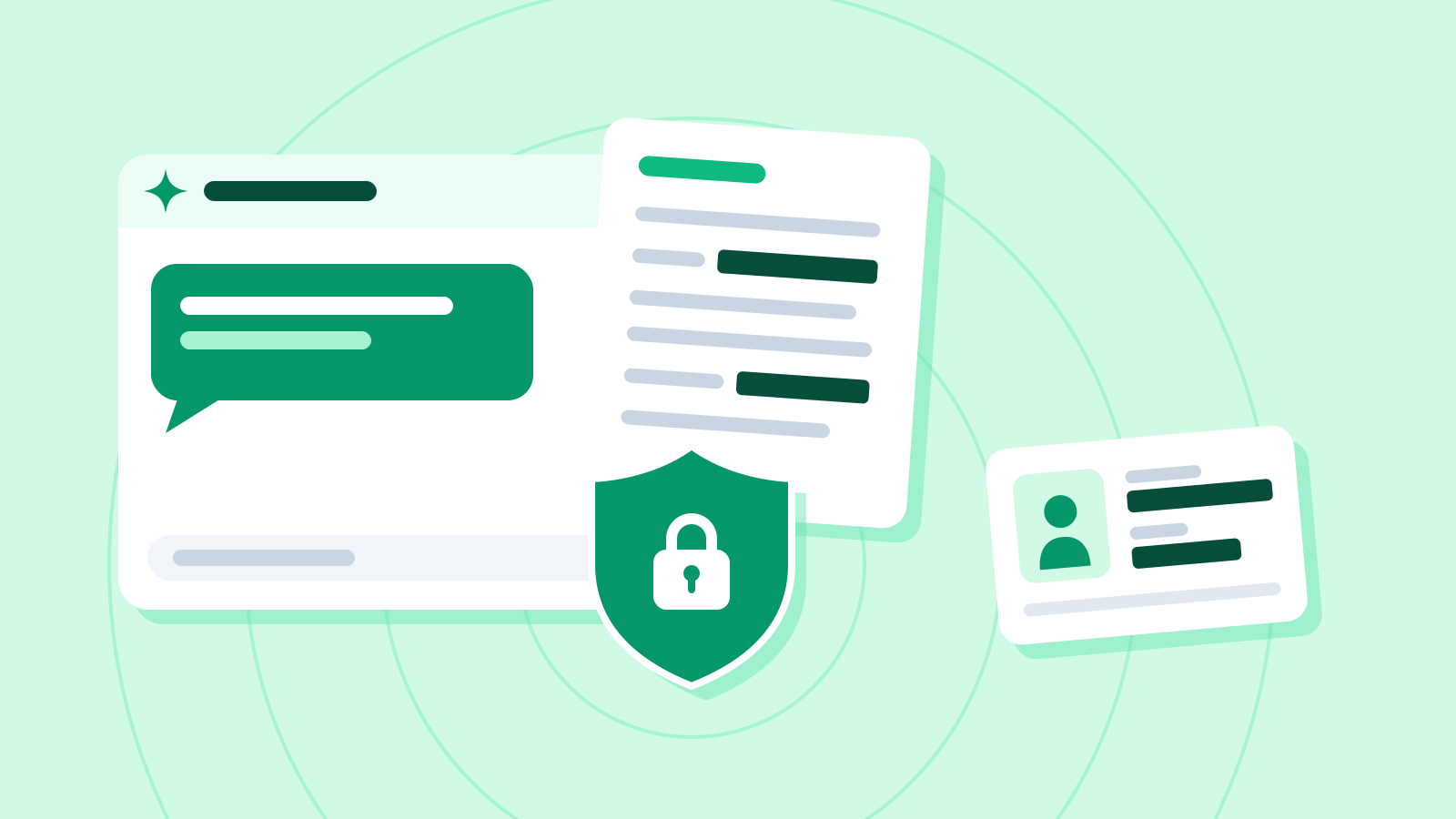
Apple says requests are assessed for on-device processing. More demanding tasks can send relevant data to Private Cloud Compute. The company says cloud data is used only for the request, then removed without Apple access. These are its published design claims.
An iPhone can export an activity report of Private Cloud Compute requests covering 15 minutes or seven days. The report can be empty when no such requests occurred in the selected period.
Voice recordings have separate controls. Apple’s privacy information says audio is not retained by default. Users can opt into an improvement program allowing storage and review of audio and interactions saved in the Siri app. The company says searches and requests use a random identifier instead of an Apple Account.
The iOS 27.2 compatibility list includes iPhone 11 and second-generation iPhone SE onward. Siri AI requires Apple Intelligence hardware: iPhone 15 Pro and Pro Max, the iPhone 16 family and later, iPhone Air, or iPhone Duo. Apple publishes separate lists for operating-system compatibility and AI support.
AI storage requirements also vary. Apple specifies up to 14GB for iPhone 17 Pro/Pro Max and iPhone 18 Pro/Pro Max, plus Air and Duo, and up to 8GB for other supported iPhones. Temporary use can exceed those requirements while new models download and old ones are removed. Those figures describe AI storage, separately from the full operating-system download.
Device and Siri languages must match. Changing Siri’s language can temporarily interrupt Apple Intelligence until the language download finishes. Apple’s setup document describes voice enrollment, privacy review and a waitlist, followed by an automatic model download. Waiting times can vary.
The new iPhone release notes exclude the European Union and mainland China from Siri AI availability. The Siri app guide also excludes users under 13. At the October 26 check, some general introduction pages still listed English only; the newer release notes and app guide listed all six languages.
Usage limits may apply. Apple’s Intelligence terms say limits can differ by feature. Reaching one can make that feature temporarily unavailable or reduce its functionality until the limit resets, while other device features remain usable. Apple also reserves the ability to change which features have limits and the limits that apply.
Sources
- October 26 public software releases — Apple Developer
- About iOS 27 Updates — iOS 27.2 — Apple Support
- Siri AI: Use the Siri app on iPhone — Apple iPhone User Guide
- Change Siri settings on iPhone — Apple iPhone User Guide
- Apple Intelligence and privacy on iPhone — Apple iPhone User Guide
- Privacy — Features: Siri — Apple
- iPhone models compatible with iOS 27.2 — Apple iPhone User Guide
- Get started with the next generation of Apple Intelligence — Apple Support
- How to get Siri AI — October 22 setup information — Apple Support
- Apple Intelligence Usage Terms — Apple Support