ConnectWise targets October 26 backup restoration
3-line summary
- ConnectWise sets a phased restoration target.
- Testing and security validation must succeed first.
- Customer-tenant investigations remain separate.
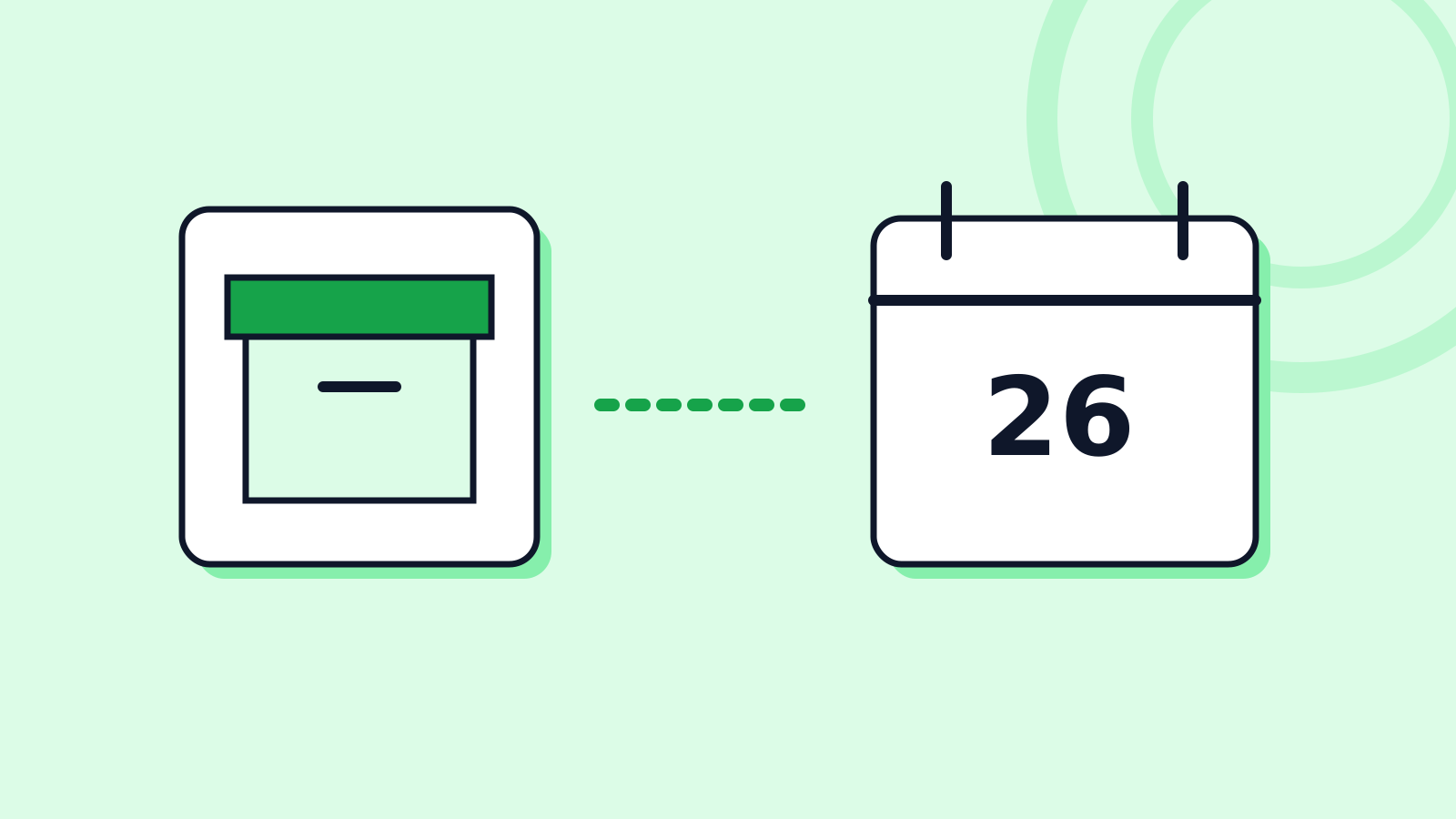
ConnectWise targets phased partner onboarding for its interrupted Cloud Backup service on Monday, October 26, subject to successful restoration testing and security validation, according to its October 24, 14:00 UTC update.
Existing backup restores would come first, then full-service re-enrollment. Infrastructure availability and partner capabilities are separate stages; affected application connections must stay disabled pending service-specific instructions.
Agentic AI tools featured in the attack investigation. In its October 21 report, Microsoft attributed the activity to China-state-aligned Storm-0940, which used ARTEX to accelerate reconnaissance and OAuth application abuse. Stolen ConnectWise application credentials exploited permissions customers had already granted, allowing access without an interactive user sign-in.
Microsoft’s figure of more than 2,250 Microsoft 365 tenants describes attempted sign-ins across organizational environments. Some environments showed follow-on credential and privilege changes. The company distinguished an installed application or successful authentication from evidence of customer data access or exfiltration; those findings are not interchangeable.
Huntress’s October 19 investigation update described additional footholds. In two tenants it examined, an application granted itself Global Administrator privileges before planting new secrets on other applications. Disabling the original backup application does not automatically remove those separately added credentials, leaving another route for access.
Both sequences occurred around 03:45 UTC on October 15, within two minutes of each other. Huntress said the applications selected for credential planting differed between the tenants, even where the same application existed in the two examined environments.
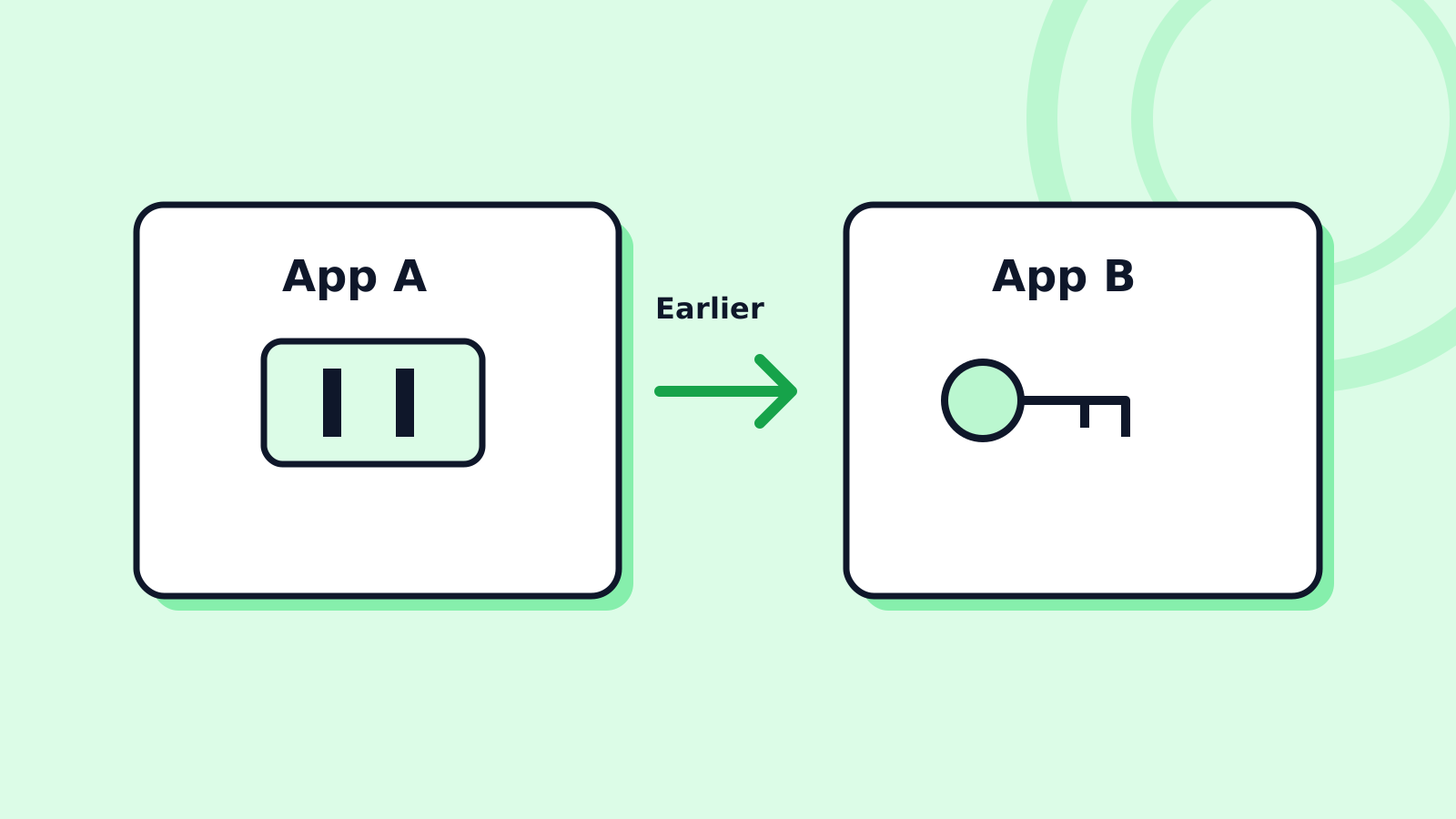
Todyl’s October 16 findings from its own monitored environments recorded no additional credentials or privilege changes by the backup app. Subscribed tenants showed read activity, but normal backups and the attacker shared an application identity, preventing attribution of those reads. Request-level source information in Microsoft Graph activity logs was not being collected there. Todyl treated the lack of confirmed exfiltration partly as a visibility limitation, rather than clearance of those tenants. Those findings apply to Todyl’s monitored tenants; Huntress described the two environments it examined.
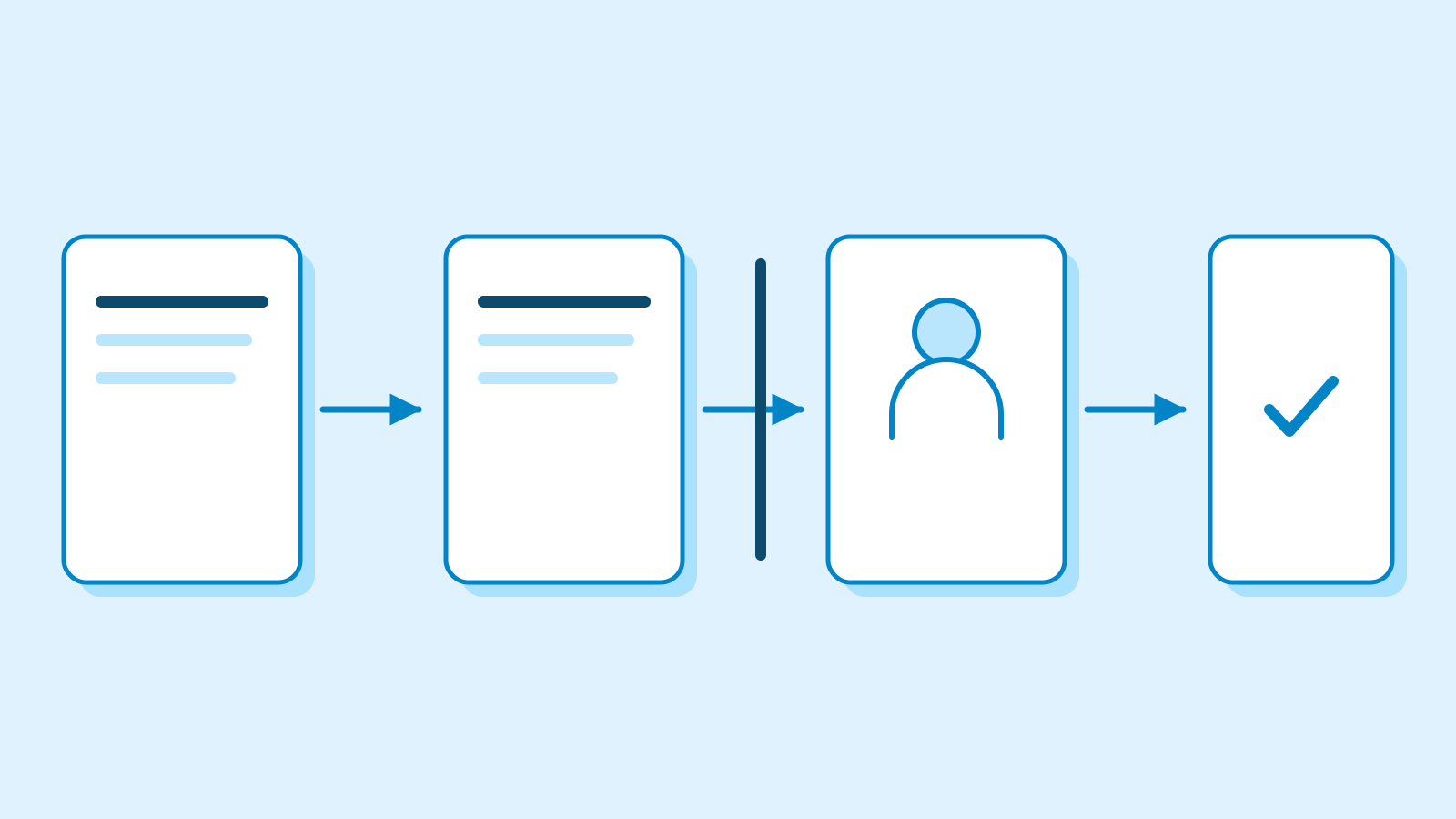
Restoration work and tenant investigations remain separate. ConnectWise’s October 18 technical guide records its disabling of seven application identities and revocation of associated credentials on October 17. Those vendor-side actions do not change application settings inside customer tenants. The guide prioritizes preserving configuration and investigation evidence before deleting an application.
The guide requires separate provider and customer tenant reviews, covering credentials, privileges and consent grants. Investigators must record log coverage and unresolved questions for each environment.
ConnectWise plans its next daily update by October 25 at 14:00 UTC, with significant developments announced sooner.
Sources
- Cloud Backup service interruption — October 24, 14:00 UTC update — ConnectWise
- AI-driven, large-scale nation-state campaign using ARTEX enables supply chain compromise — Microsoft Security
- ConnectWise (SkyKick) Vendor Credentials Abused in M365 Attacks — Huntress
- Cloud Backup technical investigation and remediation guide — October 18 — ConnectWise
- Unauthorized Access Through the ConnectWise Cloud Backup Microsoft 365 App — Todyl
Corrections
- Replaced a sentence whose access-authentication term linked to an AI glossary entry with the guide’s configuration and evidence-preservation guidance.