Cohere adds server verification before sensitive AI requests in Model Vault beta
3-line summary
- Cohere introduced a Model Vault public beta designed to protect data during AI processing.
- Customer-side verification checks the server environment and blocks requests when the checks fail.
- Traffic metadata can remain visible; beta access and available regions require confirmation with Cohere.
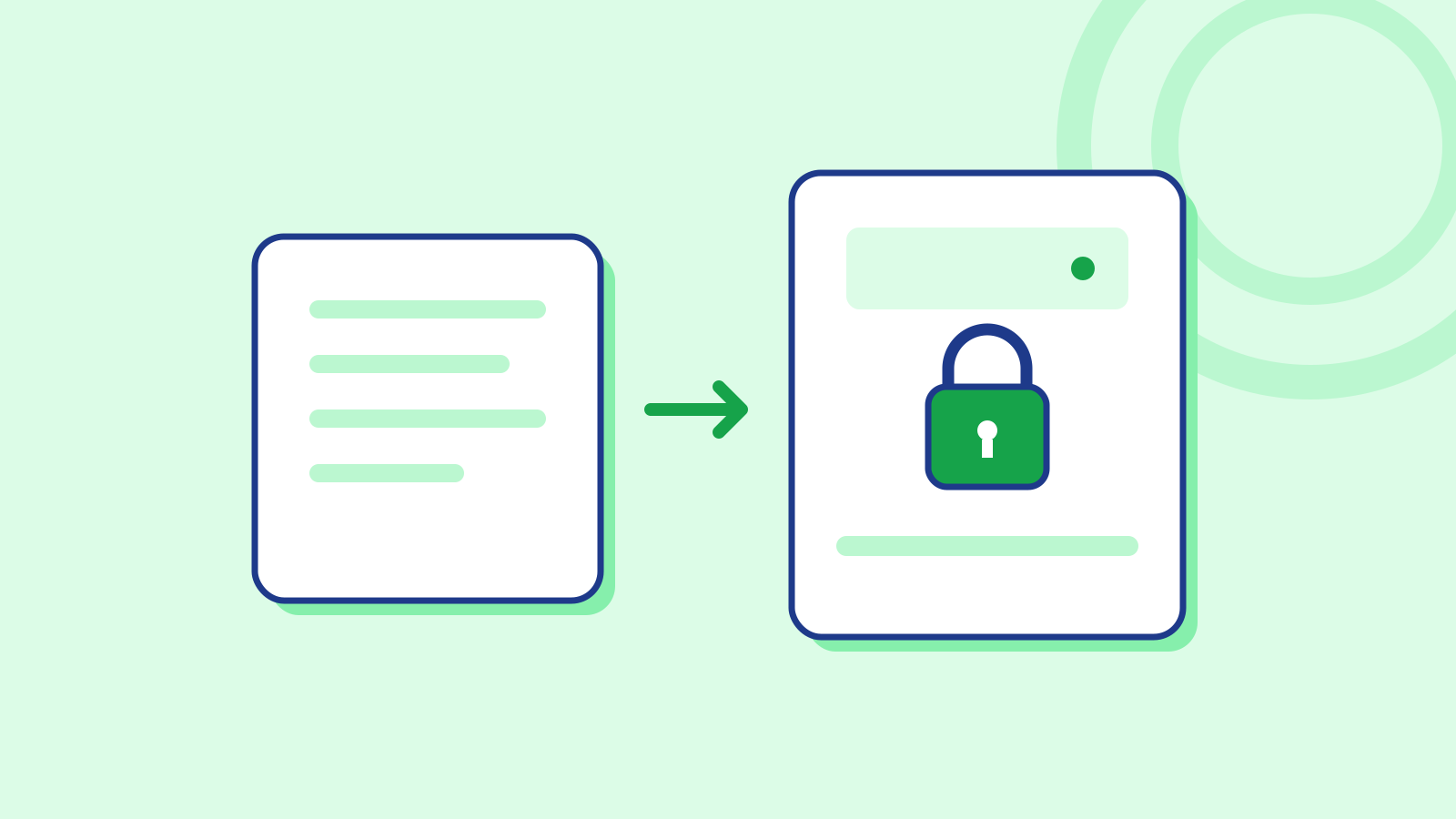
Cohere has introduced a public beta of confidential computing for Model Vault, adding checks on the server environment before a company sends sensitive material for AI inference. In its October 22 announcement, Cohere said the service runs on NVIDIA H100 GPUs on Microsoft Azure and is designed to keep operators from reading data during processing.
Model Vault assigns dedicated infrastructure to each customer while Cohere handles model deployment, maintenance and scaling. Its Standard option protects data in transit and at rest. The Encrypted option adds protection during computation and verifiable evidence about the environment running the model. Companies must contact Cohere for beta access.
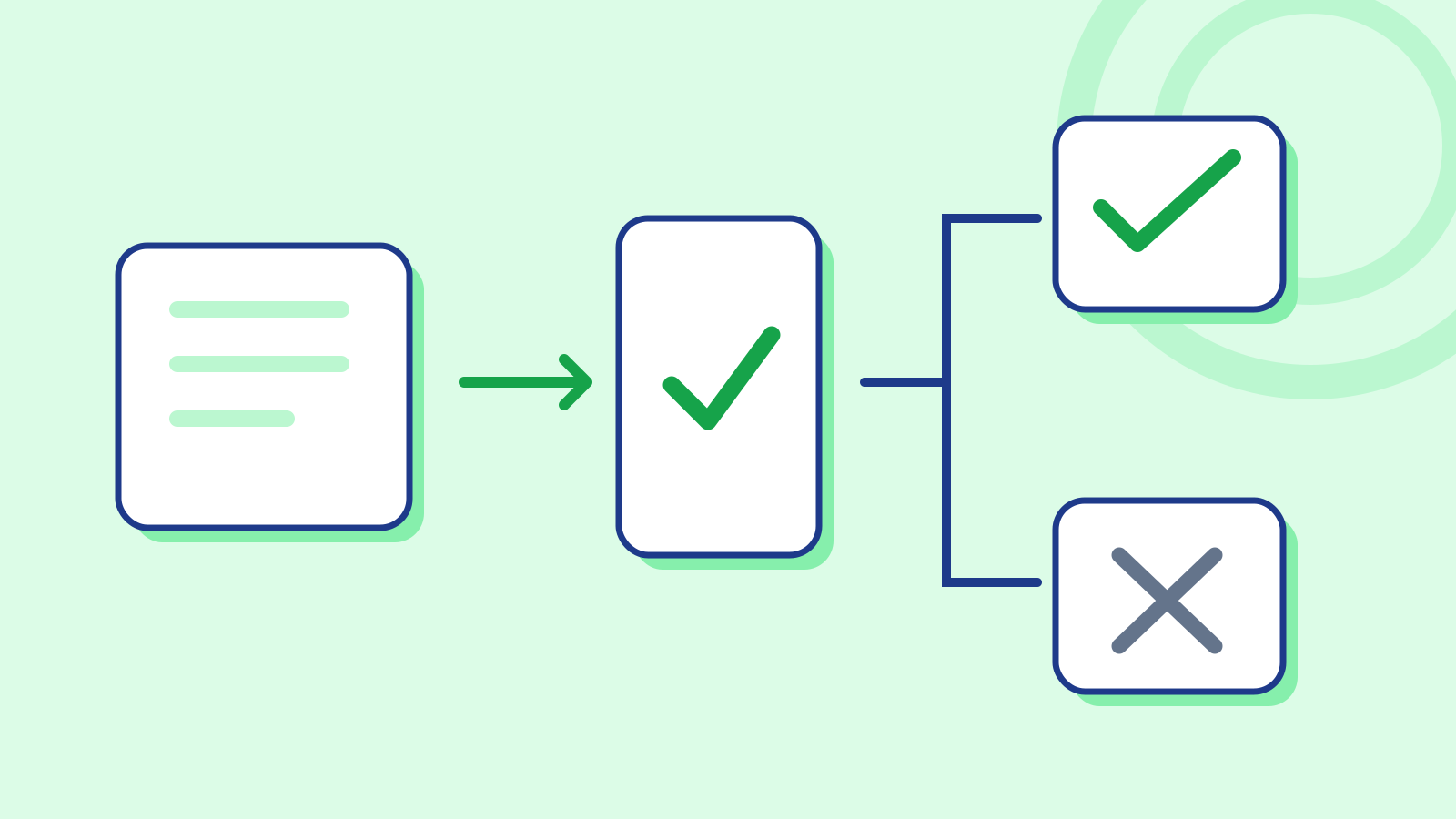
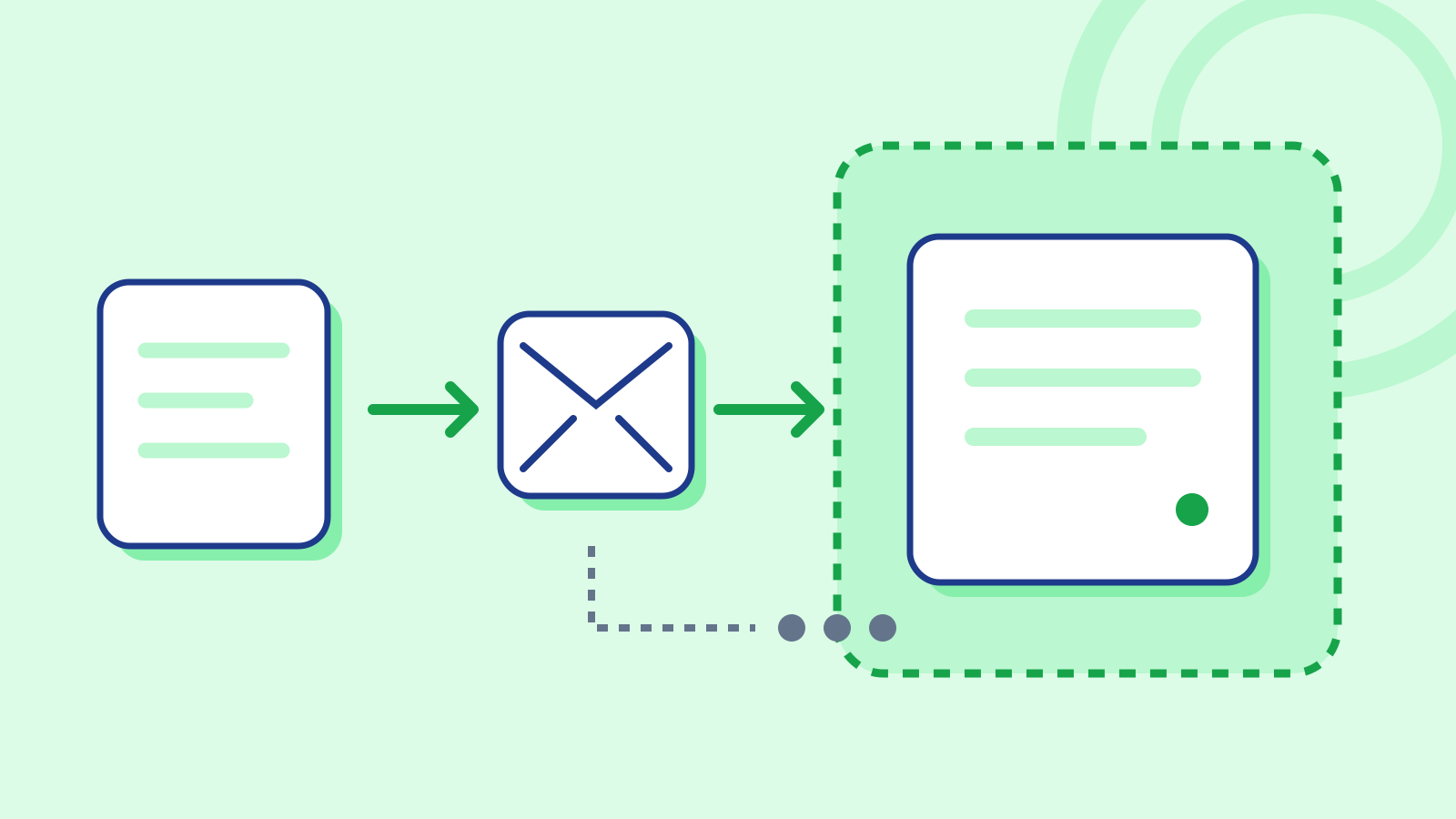
Before releasing a request, customer-side software checks signed evidence covering the hardware, firmware and loaded software. It compares CPU and GPU security properties and software measurements with an approved policy. A failed check blocks the connection, keeping the protected payload from being sent to the destination.
After verification, a customer-side proxy encrypts the request using Oblivious HTTP. The load balancer and intervening network carry encrypted contents rather than readable documents or prompts. Decryption happens inside the verified environment, and the response is encrypted on its return to the proxy as well.
The inference server operates within a trusted execution environment, or TEE, spanning the CPU and GPU. Software inside that boundary processes plaintext. Cohere says the host operating system, hypervisor and operator tools outside it cannot read protected memory. The boundary covers generated responses as well as incoming prompts.
Private keys for request decryption are generated inside the environment and stay in protected memory. Replicas can share keys only after passing attestation. Separately, Cohere documents Zero Data Retention as an option: when enabled, prompts and responses used for inference are not retained afterward.
Some information remains observable, including request timing, sizes and the model being called. Infrastructure operators also retain the ability to stop or restart the environment. The security model identifies residual risks from hardware side channels and deep physical access, even when protected memory cannot be read directly.
Cohere also separates these protections from application security. Prompt injection, authorization mistakes and vulnerabilities in software inside the environment still require their own defenses. The model processes plaintext within the protected boundary; this is different from homomorphic encryption, which performs computation on encrypted values.
The verifier depends on the deployment: AMD SEV-SNP uses customer-side CPU checks and NVIDIA’s GPU verification service. Intel TDX uses an attestation result signed by Intel Trust Authority and checked by the proxy.
Encrypted Vault pricing is separate from Standard pricing, and available models, capacity and regions require confirmation. Cohere says it is working toward support for Blackwell infrastructure, including NVIDIA B200 GPUs, as it moves toward general availability.
Sources
- Introducing Confidential Computing on Cohere Model Vault — Cohere
- Model Vault Overview — Cohere Docs
- Remote Attestation — Cohere Docs
- Encryption & Key Management — Cohere Docs
- Security Model — Cohere Docs
- Inside Cohere Model Vault: Building a verifiable confidential AI inference — Cohere
- Frequently Asked Questions About Model Vault Encrypted — Cohere Docs
Corrections
- Clarified the attestation wording to avoid linking it to the language-model token glossary.