Your first LLM API call: from key to response
Using the Claude API as the example: keep your API key safe, send a first request from Python, and read the answer, the stop reason and the token usage.
About 14 min readingAs of Oct 2026
Lesson guide · goals & preparation
By the end of this guide
- Pass your API key through an environment variable instead of writing it into code.
- Send a first request with the Python SDK and pick out the text, stop_reason and usage from the response.
- Tell 401, 429 and 529 errors apart, and work out what a request costs from its usage.
Who this is for
- Developers who have used chat assistants but never called an LLM API themselves
- Anyone adding an LLM feature to an internal tool or a product
What you need
- Python 3 (a recent version) and a terminal
- A Claude Console account and an API key (a paid API billed by usage)
- Reading "Tokens and pricing, explained simply" first will make step 5 easier.
This lesson’s terms, in plain language
Read the short meanings here. Open a term for a fuller explanation and example.
This reading lesson explains how to use external AI tools. Read from theory to the workflow, examples and explanations, or use the contents to jump to a section.
1 / 4
Theory
Understand what to ask AI to do, how to ask, and the ideas behind the workflow.
Create a key and keep it out of your code
This time your program sends the question instead of a chat window. Use one short, non-personal practice prompt. You can study response handling before making a paid request; check account permissions and API pricing separately from any chat subscription.
To use an LLM through an API you first need an API key. For the Claude API, sign up for the Claude Console and create a new key there. Every request made with that key is billed to your account, so treat it like a password.
Don't write the key into your code. Put it in an environment variable called ANTHROPIC_API_KEY instead: the official SDK reads it automatically, so not a single character of the key ends up in your code.
Where an API key should and shouldn't live Where Verdict Why In code (api_key="…") No Leaks the moment you push the repo or share your screen Chats, messengers, issue threads No Stays in the history, and many people see it Environment variable ANTHROPIC_API_KEY Good for development The SDK reads it automatically and it never touches your code Your cloud's secrets manager Good for servers and deployment Access and key rotation are managed in one place Check it
- Do not paste a key into a shell command or chat. The code uses hidden input when the environment variable is absent, keeping that input in the current process.
- Environment variables still need appropriate process, log and configuration controls. If exposure is suspected, revoke or rotate the key and review usage.
2 / 4
Step-by-step use
Learn what to prepare, how to request help and how to revise the result through examples and explanations.
Install the SDK and send a first request
In a separate folder, run python3 -m venv .venv, activate with source .venv/bin/activate, then install with python -m pip install anthropic (macOS/Linux). Windows uses a different activation path. Record the installed version with python -m pip show anthropic.

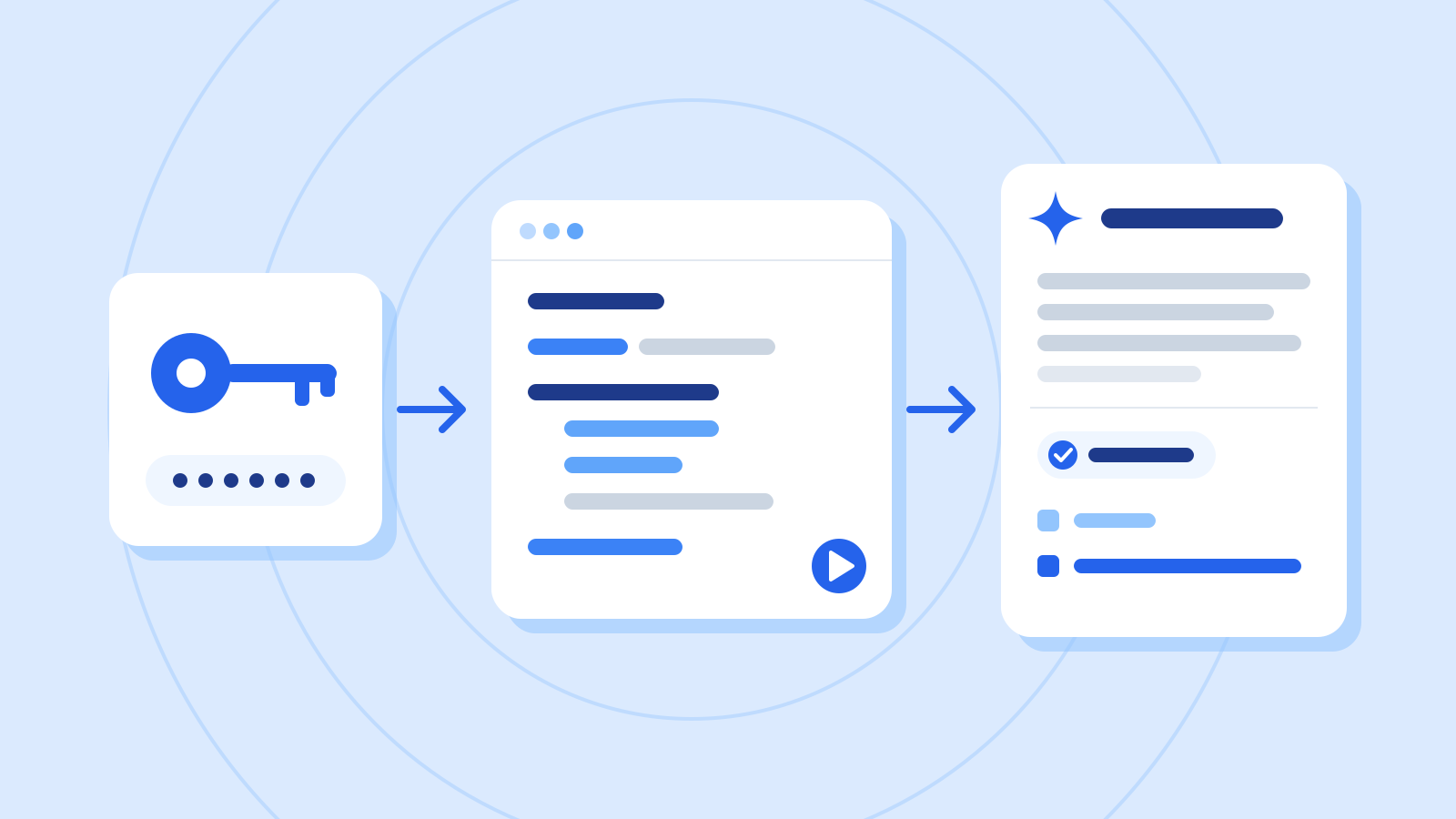
Figure: A question note passing through a program screen to a response · AI Ping If writing it from scratch feels daunting, ask an AI coding assistant, giving it clear conditions as below. Then compare what you get, line by line, with the get-started example in the official docs.
Example prompt Review a short anthropic Python SDK example. Never print the key. I will supply a model ID verified in current documentation and my account. Make one attempt with no automatic retries and inspect completion status before displaying text.
Worked example & explanation Save as first_call.py and run python first_call.py. Enter a model ID verified in the current documentation and your account. This editorial teaching example is not a recorded model interaction.
Example codeimport getpass import os import anthropic def completed_text(message): if message.stop_reason != "end_turn": raise ValueError(f"Response not complete: {message.stop_reason}") text = "\n".join(block.text for block in message.content if block.type == "text") if not text.strip(): raise ValueError("No text in response") return text if __name__ == "__main__": model = input("Model ID from current documentation: ").strip() if not model: raise SystemExit("A model ID is required") key = os.environ.get("ANTHROPIC_API_KEY") or getpass.getpass("API key: ") if not key: raise SystemExit("An API key is required") client = anthropic.Anthropic(api_key=key, max_retries=0, timeout=30.0) try: message = client.messages.create( model=model, max_tokens=1000, messages=[{"role": "user", "content": "List three things a customer-support reply should contain."}], ) print("usage:", message.usage.model_dump()) print(completed_text(message)) except anthropic.APIStatusError as exc: print("HTTP:", exc.status_code, "request_id:", exc.request_id) except anthropic.APIConnectionError: print("Connection failed; check the network before retrying") except ValueError as exc: print(exc)Check it
- Running the script makes a real API request. Verify model access, prices and limits before trying it once.
- If no answer is shown, inspect the stop reason or error. Check request status and usage before repeating the call.
Read the text, stop reason and usage
Besides the answer itself, the response carries information your product will need. Make a habit of checking stop_reason and usage from the start.

Figure: Checking a response before selecting the document to display · AI Ping Check stop_reason before printing content. This single-turn example displays text only for end_turn and holds truncated, refused or other responses. A warning after the answer is too late. Applications with tools need a separate tool_use flow.
Fields to check first in a response (example values) Field Meaning Example content A list of blocks holding the answer; the text is in blocks whose type is text [{type: "text", text: "…"}] stop_reason Why generation stopped end_turn (finished), max_tokens (cut off at the cap), refusal (declined for safety) usage.input_tokens Tokens in what you sent 31 usage.output_tokens Tokens in what came back, including thinking 412 Example prompt Test completed_text without any API call. Use fake objects for end_turn, max_tokens and refusal, and confirm that only a completed response yields text.
Worked example & explanation Save as test_first_call.py and run python test_first_call.py. These fake responses require neither a key nor a network request.
Example codefrom types import SimpleNamespace as NS from first_call import completed_text for reason in ("end_turn", "max_tokens", "refusal"): fake = NS(stop_reason=reason, content=[NS(type="text", text="practice text")]) try: result = completed_text(fake) except ValueError: assert reason != "end_turn" else: assert reason == "end_turn" and result == "practice text" print("3 offline cases passed")Check it
- Check that only the complete response is displayed; truncation and refusal must be held.
- The table’s 31 and 412 token counts are invented practice values, not measured usage for this prompt.
When it fails, start with the status code
When a request fails, the API returns an HTTP status code along with an error type and a message. The status code alone usually tells you whether to fix your request or simply try again later.
This example disables automatic retries with max_retries=0 so one run is easy to reason about. Production retry policies should target transient failures, bound attempts and delays, and consider whether repeating an operation duplicates work.
Common errors and what to do Status Error type Meaning What to do 400 invalid_request_error Something is wrong with the request's format or content Fix the value the error message points to 401 authentication_error A problem with the API key (malformed, revoked, expired and so on) Check the environment variable and the key's status 429 rate_limit_error You hit a rate limit or a usage limit Retry after a pause; if it persists, check your limits in the Console 500 api_error An unexpected error inside Anthropic's systems Retry after a pause; if it persists, contact support with the request_id 529 overloaded_error The API is temporarily overloaded by heavy traffic Retry after a pause Example prompt I ran my first-call code and got this error. What's the cause, and what should I check, in order? anthropic.AuthenticationError: Error code: 401 - {'type': 'error', 'error': {'type': 'authentication_error', 'message': 'invalid x-api-key'}}Worked example & explanation A 401 authentication_error means the API didn't accept the key you sent. Check your key setup before the code.
1) Check which source the code uses. It reads ANTHROPIC_API_KEY first and opens the getpass hidden prompt only when that value is absent. An old key in the environment prevents the new-key prompt from appearing.
2) Check the key's active status in the Console. Replace revoked keys or keys you suspect have leaked. Never print the value or paste it into an error report or chat.
3) To use hidden input again on macOS or Linux, run unset ANTHROPIC_API_KEY in the current terminal, then python first_call.py. After the model ID, enter the active key at API key: without surrounding spaces or quotes. The key is not displayed, and you do not put it in the command.
Check it
- For a 401, inspect authentication and account configuration instead of repeating the same request. Never attach the full key to a report.
- A lost connection alone does not prove the server did no work. Check the request ID and usage before retrying.
Work out the cost from usage
For arithmetic practice only, assume $4 per million input tokens and $20 per million output tokens. The 31/412 and 3,000/600 counts are also invented, not measured usage or a current price quotation.
The first example costs $0.000124 + $0.00824 = $0.008364. The second costs $0.012 + $0.012 = $0.024. Check units before scaling request volume.
Use the selected model’s current prices for real work, including caches, tools and other applicable features. Use reported usage, not visible character counts. max_tokens limits output; it is not a complete per-request spending cap.
Cost practice with fictional prices and token counts Request Input tokens Output tokens Cost Practice A 31 412 About $0.0084 A report summary (a long input) 3,000 600 $0.024 Check it
- Run the report summary 1,000 times a day and it's $24 a day, or $720 over 30 days. Estimate a month from your expected call volume before you ship.
- Check real charges on the Console's usage page after a few days of use. Prices can change, so use the current price list every time you calculate.
3 / 4
Check & explain
Think about what you would ask AI, then read the explanation. Written submissions and external AI use are optional.
This is a learning check, not a test you must pass. Use the explanations to understand the ideas.
Q1What is wrong with printing the answer before checking max_tokens?
Write your thoughts (optional)
Your writing is not sent anywhere. It disappears when you leave or reload this page, so copy anything you want to keep.
Read the answer and explanation
The partial answer has already escaped into use. Inspect the stop reason first and display text only on end_turn in this example.
This is your own review, not an automatic score.
Q2At fictional $4/$20 rates, what do 100 calls of 3,000 input and 600 output tokens cost?
Write your thoughts (optional)
Your writing is not sent anywhere. It disappears when you leave or reload this page, so copy anything you want to keep.
Read the answer and explanation
Each call is $0.024, so 100 calls cost $2.40. These are invented practice values; actual billing depends on current rates and applicable extras.
This is your own review, not an automatic score.
Q3Do three passing offline cases establish successful API integration?
Write your thoughts (optional)
Your writing is not sent anywhere. It disappears when you leave or reload this page, so copy anything you want to keep.
Read the answer and explanation
No. They validate local handling of fake responses. Real account access and model behavior require separate evidence from a live request.
This is your own review, not an automatic score.
Common mistakes
- Pushing code to a repository with the API key written in it
- Skipping the stop_reason check and showing cut-off answers to users
- Estimating cost from the input price alone, leaving out output and thinking tokens
Your learning record
Completion is optional. Mark this lesson when you feel ready, or move to the next lesson without marking it.
Completion is saved in this browser.
4 / 4
Apply to your work
Consider how new material changes the workflow and checking criteria. Trying an external AI tool is optional.
Try it: record one request
Run the three offline cases first. Passing them validates local response handling, not real model access, refusal behavior or billing. Record that distinction.
If you choose a live call, record the model ID, SDK version, time, stop reason, usage and request ID. Exclude keys and customer data. Read the answer separately: transport success does not establish fitness for a customer.
Explain where the key enters, the condition for displaying text and the units in the cost calculation. Those are the foundations for structured output and code-review work in the next lessons.
Write a note (optional)
Use this only if you want to record a prompt or your understanding. This is a notebook, not a connected AI assistant.
Your writing is not sent anywhere. It disappears when you leave or reload this page, so copy anything you want to keep.
References
- Get started with Claude — Claude Platform Docs (Anthropic)
- Claude API errors — Claude Platform Docs (Anthropic)
- Steering thinking — Claude Platform Docs (Anthropic)
- Pricing — Claude Platform Docs (Anthropic)