Proton Lumo Desktop connects apps with actions set to auto-approve
Edited and reviewed by AI Ping Editorial Team
3-line summary
- Windows, macOS and Linux gain app connections and scheduled tasks.
- Connector actions default to auto-approval, with separate controls for sending and deletion.
- Skills retain reusable instructions; responses are processed on servers and saved history is encrypted.

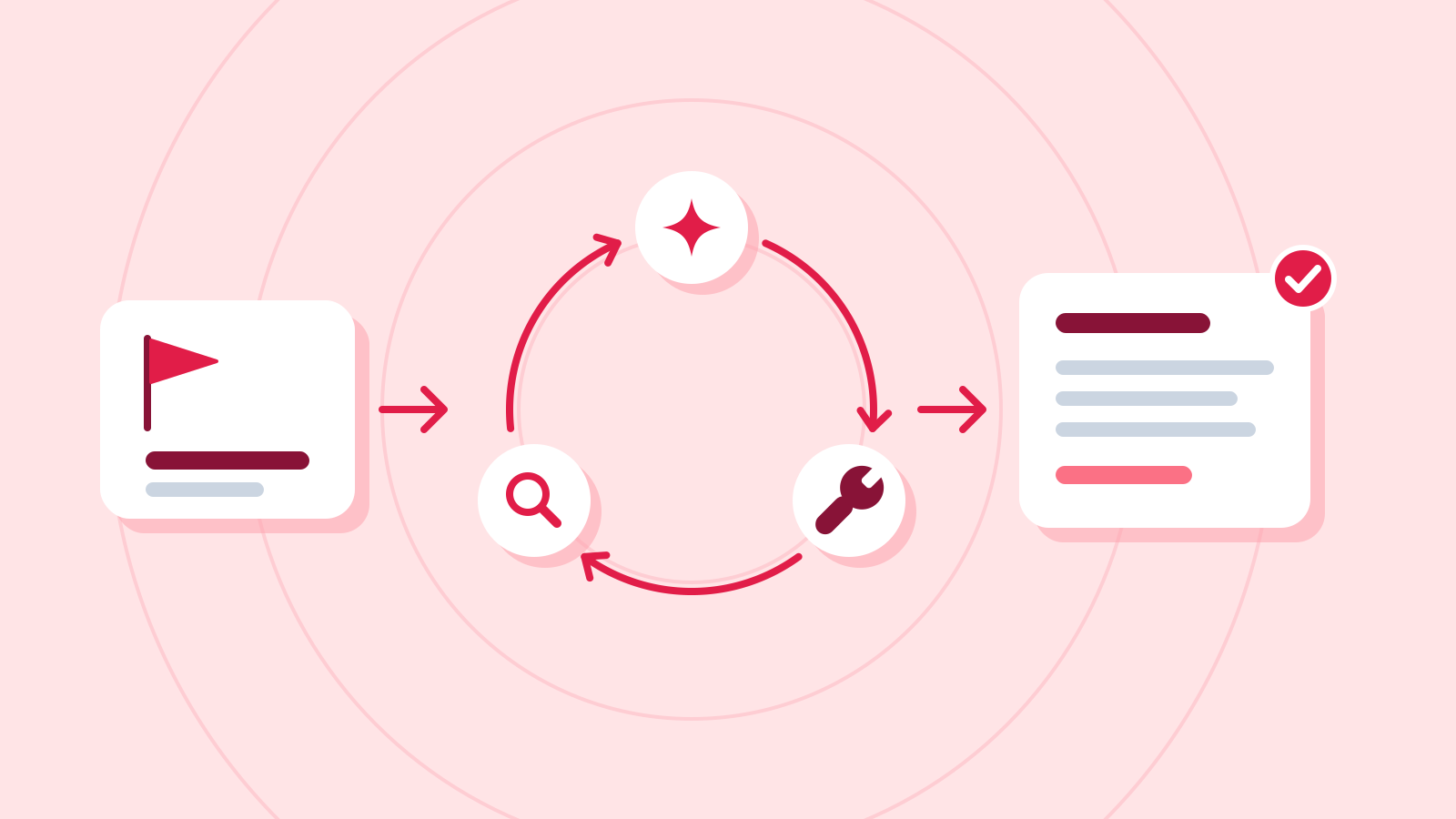
Proton launched Lumo Desktop on November 17 for Windows, macOS and Linux, adding app connections, scheduled tasks and reusable Skills to its AI assistant. Users can find information in connected accounts and local files, then arrange recurring work around those sources. Proton also announced public source code for the desktop app and the new capabilities.
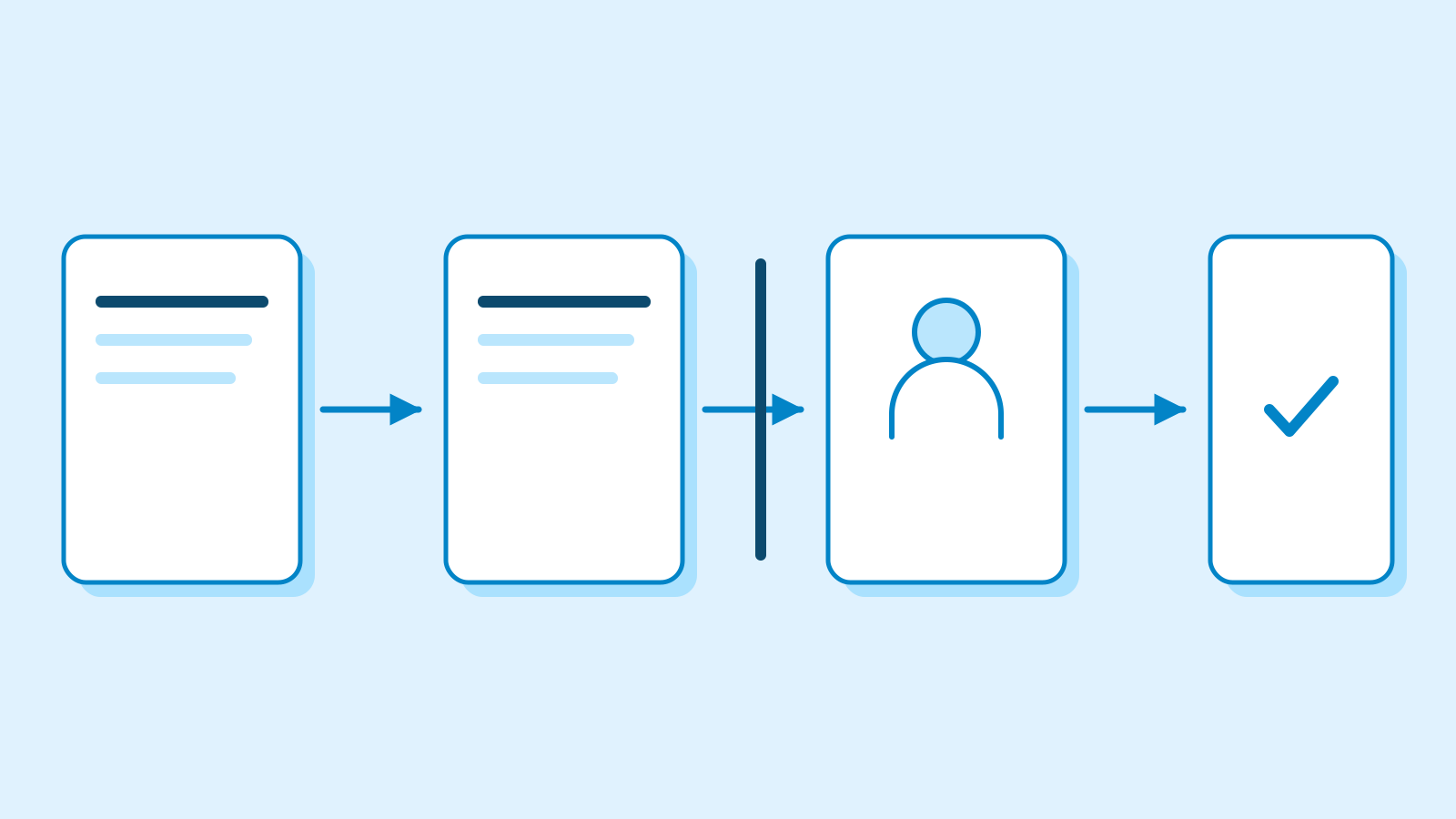
The initial permission setting determines how those connections act. Proton’s support documentation says every connector action defaults to Auto-approve. Users can change individual actions to request confirmation or block execution. The company illustrates this with inbox searches allowed automatically, approval required before sending mail, and deletion blocked. Reading, sending and deleting can therefore have separate permissions within one mail connection.
Action-by-action control for connected tools
Connectors cover local filesystem access, shell commands and services including Google Drive and Dropbox. Proton Mail connects through Proton Mail Bridge. Users can also add their own local or remote MCP servers, using the protocol that lets an AI assistant call external tools. Setup includes any authentication required by the connected service.
Connected tools are enabled in every conversation by default. Users can switch connectors off for a conversation, change permissions for individual functions or disconnect a service. Auto-approve permits execution without confirmation; Ask human requests approval first; Deny blocks the action. Changes apply to subsequent operations.

Schedules specify a one-time run or recurring frequency, instructions, required connectors and permissions. Users can describe a task to Lumo, answer follow-up questions, then review its timing and settings before confirming. A manual setup option is also available. Each task has its own permissions, allowing information gathering and message sending to use different approval conditions.
Proton’s examples include a Friday list of emails still needing replies and a monthly spending summary assembled from receipts. Saved tasks can be run immediately to inspect the result, edited, paused, resumed or deleted. The documentation stresses that tasks need connectors that can reach the information they require.
Skills retain reusable instructions and output formats. Each is a SKILL.md file with a name, description and instructions, optionally accompanied by templates or reference documents. Users can select a skill explicitly or let Lumo apply an enabled skill when it fits a request.

A skill supports up to 200 files, with limits of 5 MB per file and 25 MB overall. Uploads receive a basic check for issues such as hidden text, overriding instructions, exposed keys and risky commands. Proton says this check cannot catch everything. Lumo can read scripts included in skills but will not execute them. Skills and their files are encrypted before account synchronization.
Proton’s security documentation separates response processing from stored history. Messages are encrypted in transit and temporarily decrypted on the server for the language model to generate a response. Continuing a conversation sends its full history to the server for context. After processing, saved history receives zero-access encryption that only the user can decrypt.
Proton says conversations are excluded from model training and plaintext copies are retained only as needed for the immediate response. Its Ghost Mode removes the current conversation when closed, without saving or syncing the session.
The download page says users can start with a free Proton account; paid plans add features and higher usage limits. The published US-dollar price for Lumo Plus is $12.99 monthly or $119.88 billed annually, equivalent to $9.99 a month. Connectors and Schedules are currently available through the desktop app, with mobile support excluded from this release.
Sources
- Proton launches Lumo Desktop, bringing connectivity and automation to privacy-first AI — Proton
- Connectors in Lumo — Proton
- Schedules in Lumo — Proton
- Teach Lumo new skills — Proton
- How Lumo keeps AI chats private and secure — Proton
- Lumo, the privacy-first AI. Download now — Proton
- Lumo pricing and plans — Proton