Premiere 27 separates two overlapping voices from one recording
Edited and reviewed by AI Ping Editorial Team
3-line summary
- Adobe Premiere 27.0 can separate two voices that overlap in one recording.
- The tool creates two speaker tracks and a background track while preserving the original.
- Cloud processing uses one credit per second, including any audio added around the selection.

Adobe added a tool for separating two overlapping voices to Premiere 27.0, its November 10 desktop release. Separate Crosstalk takes a recording in which both voices share one audio track and creates an editable track for each speaker, plus a background track. An editor working with a one-microphone interview can lower an interruption without turning down both speakers at once.
The feature first appeared in the Premiere beta on July 27. Adobe included it in the production desktop release announced around Adobe MAX in November. The source recording stays on the timeline, so editors can compare it with the separated audio in the same project. Processing requires an internet connection, an Adobe sign-in and generative credits.
Two speakers and the room sound on separate tracks
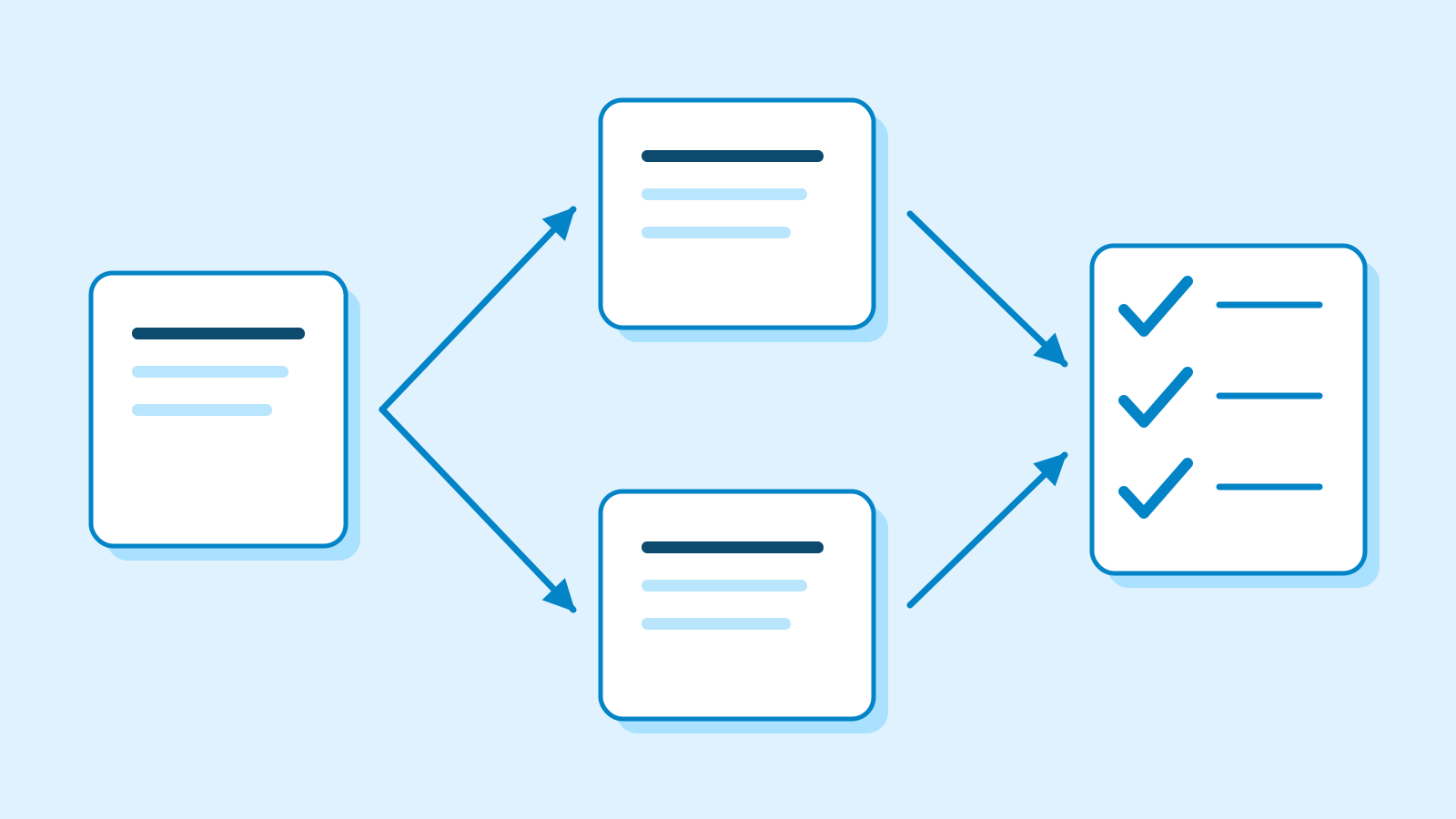
Adobe demonstrated the feature with a sample podcast recorded on a single microphone. Premiere created three clips underneath the source: one per speaker and one for the background. It automatically disabled the original clip on the timeline while preserving the source. That gives the editor a reference for checking whether a soft reply, a brief interruption or the sound of the room survived the split.
Premiere processes one clip at a time, with a supported length of one second to ten minutes per clip. Editors can isolate a portion of a longer recording before processing it. Adobe originally described the feature as a way to handle two people speaking simultaneously in the same recording. The beta announcement listed both mono and stereo sources. Sorting every turn in a longer interview by speaker is a separate task.
Stan Jones, an Adobe Community Expert, tried the July beta with a 94-second stereo recording he had assembled with two overlapping exchanges. He reported that the voices came apart during the overlaps, while some speech from a single speaker ended up on the wrong track. He was using the 26.5 beta on Windows 11.

The credit estimate includes audio outside the cut
Adobe charges one generative credit for each second of audio it processes. By default, Premiere includes two seconds of source audio on either side of the selection. With enough source audio at both ends, processing a 15-second clip at the default setting covers 19 seconds and costs an estimated 19 credits. Premiere displays the estimated cost in the confirmation dialog.
Editors can set the amount of surrounding audio from zero to five seconds in preferences. A project with several interruptions can therefore have a different total depending on the selected portions and the surrounding audio included with each. Adobe classifies Separate Crosstalk as a premium generative feature.
The selected recording goes to Adobe for processing
Premiere sends the selected audio to Adobe’s cloud service. On first use, it asks the editor to authorize that processing and confirm they have the necessary rights and permissions from the people in the recording. Adobe says identifying the voices can involve creating numeric representations of vocal characteristics, which may involve biometric information.
The company says it uses that information to provide the separation feature and retains it only as long as needed for that purpose. Adobe also says it does not use the uploaded content to train AI models. The resulting tracks come back to the Premiere project. The feature is unavailable for files uploaded from Illinois or Texas.

Another tool updated in 27.0, Enhance Audio, divides a recording into dialogue, music, ambience and effects. That lets an editor turn down music captured on location while keeping the speech audible. Adobe says that type of source separation runs on the editor’s device. The optional cloud-based Enhance Speech V2 model used for speech enhancement costs two credits per minute. The separated sound categories can be adjusted in place or turned into clips on the timeline.
The desktop app’s own requirements still apply. Adobe says Premiere 27.0 requires an Apple silicon Mac running macOS 15 or later. On Windows it requires Windows 11 24H2 or later and a supported graphics processor. Adobe says access to generative features in 27.0 can vary with account type, plan and region.
Sources
- Fix Overlapping Interview Dialogue with Separate Crosstalk in Adobe Premiere 27.0 — Adobe Community
- Adobe Premiere desktop release notes — Adobe Help
- Now in Beta: Separate Crosstalk in Premiere — Adobe Community
- Use assistive AI audio tools to polish your sound mix — Adobe Learn
- Separate overlapping speakers — Adobe Help
- About cloud-based AI voice features — Adobe Help
- Apply Enhance Audio to clips — Adobe Help
- Welcome to Adobe Premiere 27.0! — Adobe Community
- Creative Cloud and Adobe Firefly at Adobe MAX 2026 — Adobe Blog