Skip to content

Stage 3 · Role applications

Edit a product background and deliver multiple crops with AI

Protect a mug’s rim, handle and emblem through a background edit, then check actual square and portrait crops before handoff.

3 units · 3 lessons · 61 min read

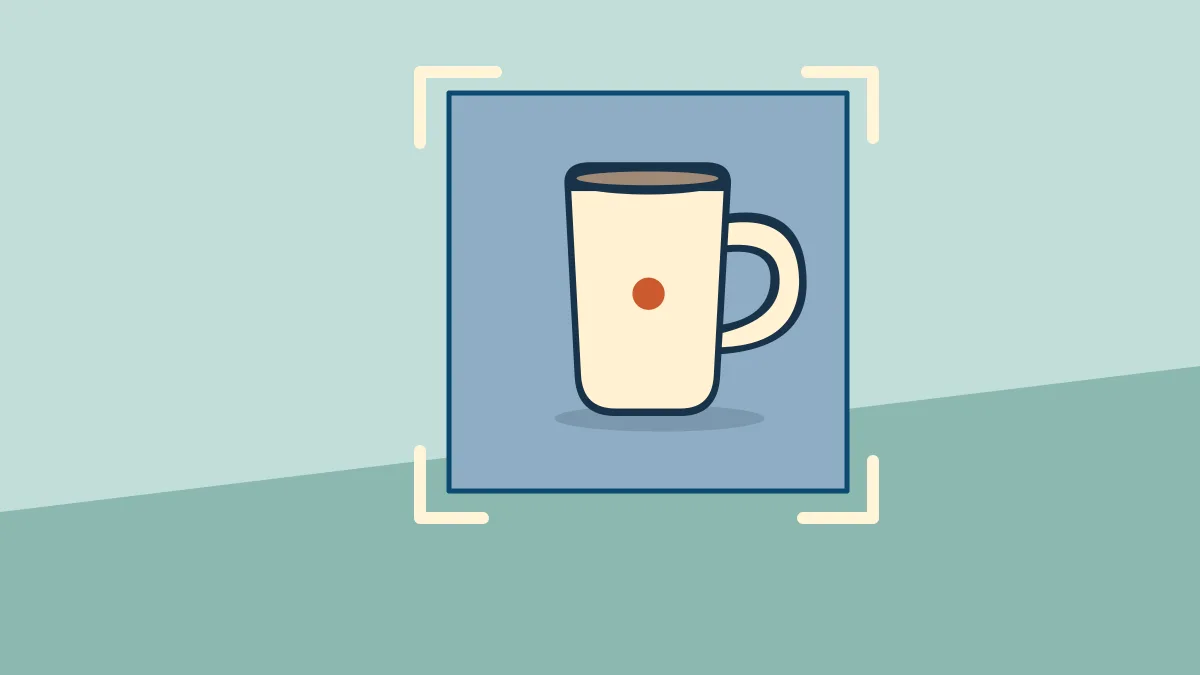
A cream enamel mug framed by two crop windows
Illustration: A cream enamel mug framed by two crop windows · AI Ping

Step-by-step curriculum

Read the approach for each unit, then choose a lesson. Skip anything familiar.

  1. Describe the edit

    Start with the vocabulary for a subject and its composition.

    Image prompt basics for designers

    Up next

    17 min
  2. Mask a local edit

    Distinguish a solid handle from its opening and specify local repairs.

    Mask a mug for an AI background edit without losing the handle

    22 min
  3. Check each crop

    Move each frame using source coordinates and inspect the rendered margins.

    Use AI to plan square and portrait crops that keep the product whole

    22 min

Practice on fresh material

Keep a bottle loop intact through editing and cropping

The source records and draft are editorial examples. Read each question, then open the worked answer to compare.

Source material

  • B4 bottle: teal body, one black cap loop and one white star. Replace beige with sky blue.
  • 1000 × 800 source. Protected x=520–900, y=120–680. Deliver 800 × 800 with at least 40 px on each side.
  1. 1. Brief the assistant

    Specify the mask and choose between square crop origins x=100 and x=200.

    See a sample request

    Recolour the exterior and loop opening; protect the cap, body and white star. Compute the right clearance for each candidate in source pixels.

  2. 2. Check and repair the draft

    Is “x=100 shows the whole bottle, approve it” sufficient?

    See the correction and reasoning

    The first window leaves 0 px right. Starting at 200 gives 320 px left and 100 right. If beige remains inside the loop, limit the repair to that opening.

  3. 3. Apply the method to a change

    The client now requests 120 px to the right. Can a different crop satisfy it?

    Check the revised result

    The canvas ends at 1000 and the product at 900, so at most 100 px is available. Request a wider original or an approved change to the requirement.

Before moving on

Explain preservation and clipping using both the rendered image and source coordinates.

Revisit the explanation →

Review what you have learned

Use the worked examples and explanations to describe how AI supports each step below. Running an external tool is optional.

Specify an edit inside a bottle handle and choose between two square crops for delivery.

  • Name the opening to edit and mark to preserve.
  • Measure both side margins inside the frame.

Explore the next series