Turn one campaign brief into a banner, email and booking page
Give an assistant an approved workshop brief. Adapt it to three channels and catch a claim that changes what the customer can buy.
22 min readAs of Nov 2026
Lesson guide · goals & preparation
By the end of this lesson
- Separate approved facts from unknowns.
- Adapt length without changing the offer.

Who this is for
- Marketers adapting one offer for several placements.
What you need
- Start with a short note containing the price, date and booking terms.
1 / 4
Theory
Understand what to ask AI to do, how to ask, and the ideas behind the workflow.
When “materials included” turns into “free workshop”
A reader taps a “free bookbinding” banner and finds a fee at checkout. The approved note says that the fee includes materials. It does not remove the fee. Copy is a representation of the offer, and a small edit can change what readers believe they are buying.
Beginners often assume that a shorter version keeps the same meaning. Build a small checking habit instead. Place the original line beside the assistant’s shortened one and underline only the words about money. If “fee included” has become “free,” the price has quietly disappeared. The assistant is good at trimming, but it will not tell you which word changed the offer. That judgement is still yours.
Extract promises from the approved brief
Tag the approved facts before drafting. Keep the pricing unit with the amount, and the inclusion with the item it describes. B1 contains no capacity, discount or refund policy. Put possible questions to the organiser outside the public copy.
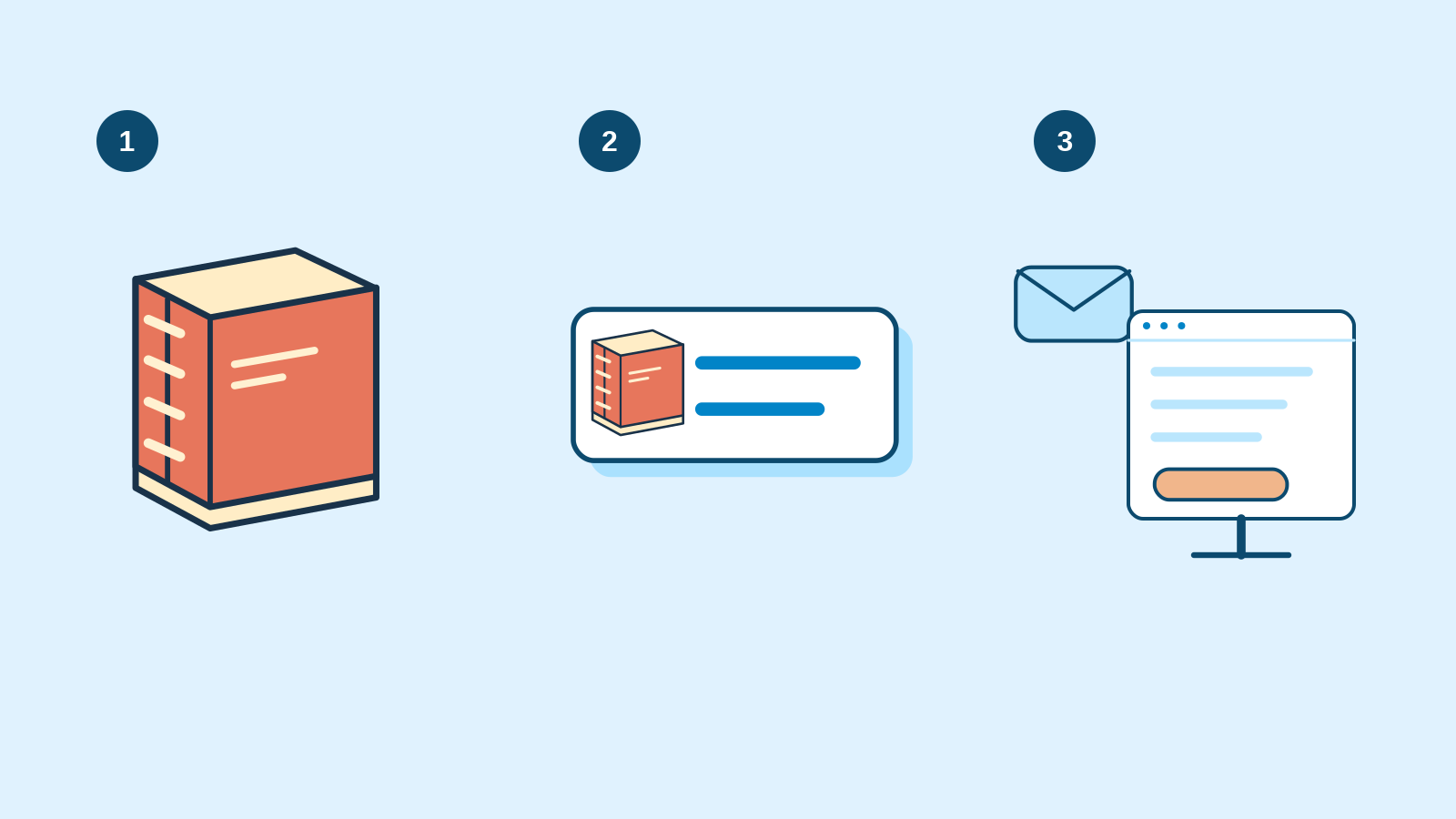
Illustration: Approved facts routed into a banner, email and booking page · AI Ping
- Read time, fee and advance booking directly from B1.
- Keep the workshop and its booking action in a short banner.
- Carry the per-person fee, materials and one-seat limit into the detailed copy.
Read every step as text
- Shortening produced a banner that says “free” and “walk-ins welcome”. Brief B1 lists a KRW 18,000 fee and requires advance booking. Check each claim against B1.
- “Free” appears nowhere in B1. “Materials included” in B1-b means the KRW 18,000 fee covers them, so this word is dropped.
- “Walk-ins welcome” reverses the advance-booking rule in B1-c. It changes how readers sign up, so it goes too.
- The date from B1-a, 18 May, goes into the banner. The 14:00 start appears again in the email and on the booking page.
- A banner reader has not opened the page yet. “Bookbinding” tells them what the event is.
- Someone who sees only the banner still needs the next action. With “book ahead” from B1-c, it reads “18 May bookbinding · book ahead”.
- The fee left out of the banner returns in the email and on the booking page. “Per person” stays attached so nobody reads it as a price for two.
- “Materials included” travels next to the fee. Without it, readers cannot tell whether materials cost extra.
- “One seat per person” is the last condition a reader checks before paying. The banner is short, and the decision screens still carry fee, inclusion and seat limit.
Try a small experiment. Give the assistant B1 and ask it to restate only the listed facts, keeping each ID, without writing any copy yet. Now you can see whether “18,000” and “materials included” stay on one line. Then ask what the memo does not contain. When it reports no refund or capacity, treat those blanks as a signal: keep them out of the public copy until the organiser confirms them.
B1, the fictional binding workshop brief ID Approved fact B1-a Adult bookbinding workshop, 18 May at 14:00 B1-b KRW 18,000 per person, materials included B1-c Advance booking required, one seat per person B1-d Placements: short banner, email, booking page
2 / 4
Step by step
Learn what to prepare, how to request help and how to revise the result through examples and explanations.
Give each placement a reader and an action
A banner needs to help somebody decide whether to open the offer. An email can explain cost and timing. A booking screen must resolve eligibility, fee and seat restrictions before commitment. Ask for those deliverables separately and keep evidence IDs in a private review column.
Pick a different omission for each placement. The banner may omit the fee while keeping the booking requirement. At checkout, omitting “per person” from the fee could lead two attendees to read it as a joint price. Read amount, unit and included materials as one promise before approving the booking page.
Example prompt Using only B1, write one banner, one email paragraph and a booking line. Give the banner an action. Put eligibility, date, fee, inclusion and seat limit on the booking page. List supporting IDs separately. Do not invent availability. B1, the fictional binding workshop brief ID | Approved fact B1-a | Adult bookbinding workshop, 18 May at 14:00 B1-b | KRW 18,000 per person, materials included B1-c | Advance booking required, one seat per person B1-d | Placements: short banner, email, booking page
Correct two claims that changed when shortened
An editor supplied a deliberately faulty banner: “Free bookbinding. Walk-ins welcome.” One phrase removes the fee; the other reverses the reservation rule. Specify replacements against B1-b and B1-c. A short banner can omit a price, but it cannot promise the opposite.
The way you ask for a fix shapes the result. “Make it more accurate” can return something mushy, like “looks free but costs money.” Instead, name the wrong word and its evidence together: replace “free” with the 18,000 fee from B1-b, and “walk-ins” with the advance booking in B1-c. Now the usable pieces, the workshop name and the date, survive. Fixing one error should not cost you a good headline.
Example prompt Check “free” and “walk-ins” against B1-b and B1-c. Restore the actual fee and advance-booking condition; keep the booking requirement in the short banner.
Worked example & explanation “18 May bookbinding · book ahead” fits the banner. Retain the per-person fee and included materials at booking.
Read from the first impression to the booking decision
Read the booking page first. Can a customer establish who may attend, when to arrive, the total per person and the seat restriction? Now check the email and banner against that page. “Reserve your own seat” follows B1-c; “bring a friend on your booking” would change it.
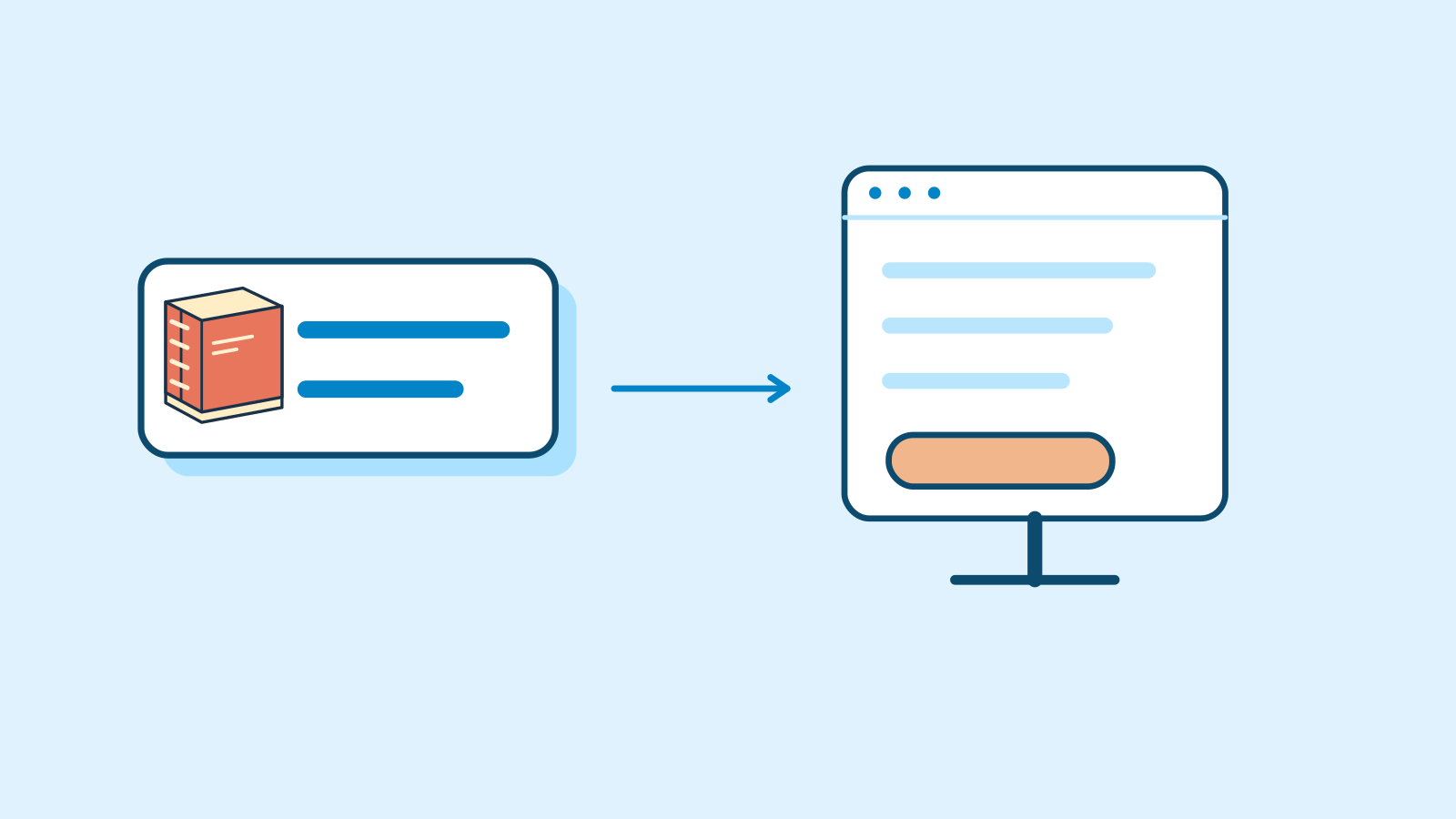
Illustration: A compact banner and a booking page carry the same reservation requirement · AI Ping Run one more check. Readers rarely see all three placements. Picture someone who meets only the banner, and someone who receives only the email. If the banner never mentions advance booking, that reader may arrive and be turned away. If the email omits the date, nobody knows when to come. Cover each sentence in turn and ask whether that single surface still tells the reader what to do. Ask the assistant what a banner-only reader would do next.
Worked publication copy and its evidence Placement Copy Evidence Banner 18 May bookbinding · book ahead a, c Email Join our adult bookbinding workshop on 18 May at 14:00. The KRW 18,000 fee includes materials. Reserve your own seat on the booking page. a, b, c Booking page Adult bookbinding / 18 May, 14:00 / KRW 18,000 per person, materials included / advance booking required, one seat per person a, b, c
3 / 4
Self-check
Think about what you would ask AI, then read the explanation. Written submissions and external AI use are optional.
This is a learning check, not a test you must pass. Use the explanations to understand the ideas.
Q1What action belongs on the P3 banner?
Write your thoughts (optional)
Your writing is not sent anywhere. It disappears when you leave or reload this page, so copy anything you want to keep.
Read the answer and explanation
“3 June printmaking · book ahead by phone” works. The exercise gives no web booking option.
This is your own review, not an automatic score.
Q2Repair “Your KRW 22,000 includes the frame.”
Write your thoughts (optional)
Your writing is not sent anywhere. It disappears when you leave or reload this page, so copy anything you want to keep.
Read the answer and explanation
“The KRW 22,000 fee per person includes paper. Frames are sold separately.” Keep the inclusion attached to the correct item.
This is your own review, not an automatic score.
Q3Write booking instructions for somebody bringing a friend.
Write your thoughts (optional)
Your writing is not sent anywhere. It disappears when you leave or reload this page, so copy anything you want to keep.
Read the answer and explanation
“Call in advance for the adult session at 11:00 on 3 June. You may request up to two seats per person.” A booking limit is not an availability claim.
This is your own review, not an automatic score.
Common mistakes
- Dropping the object of “included” can change pricing.
- Do not carry forward the previous event’s booking method.
Your learning record
Completion is optional. Mark this lesson when you feel ready, or move to the next lesson without marking it.
Completion is saved in this browser.
4 / 4
Apply to your work
Consider how new material changes the workflow and checking criteria. Trying an external AI tool is optional.
Try another studio brief
Switch to the printmaking brief. Draft a banner, a short email and the booking instructions on a blank page. Underline every pricing term, action and seat limit. A draft that repeats “book online” or “one seat” has copied rules from the other workshop.
Before drafting, list only the differences between the two studios: the booking method, what is included versus sold separately, and how many seats one person may request. Mark those three on the P3 lines so you do not copy “booking page” or “one seat” from the earlier work. After writing a draft, ask the assistant to point out any line that states a fact missing from P3. Let it flag the spot, but decide for yourself which wording is right.
New studio memo P3 ID Fact P3-a Adult printmaking workshop, 3 June at 11:00 P3-b KRW 22,000 each, paper included, frame sold separately P3-c Book ahead by phone, up to two seats per person
Write a note (optional)
Use this only if you want to record a prompt or your understanding. This is a notebook, not a connected AI assistant.
Your writing is not sent anywhere. It disappears when you leave or reload this page, so copy anything you want to keep.
References
- Draft A/B ad copy with AI — AI Ping
- Write successful text ads — Google Ads Help